How To Install Interviewiq
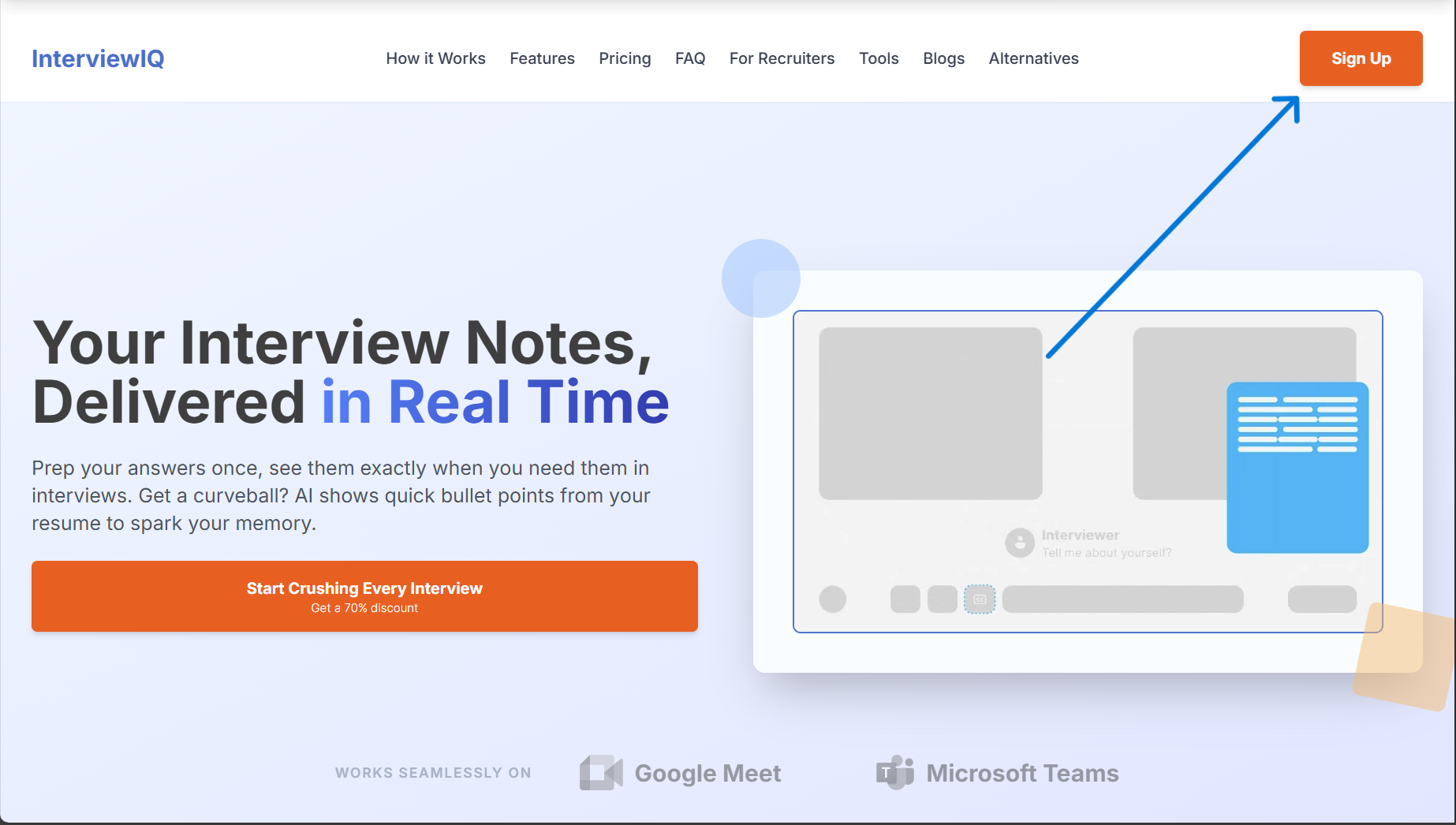
- Click on the Sign Up button
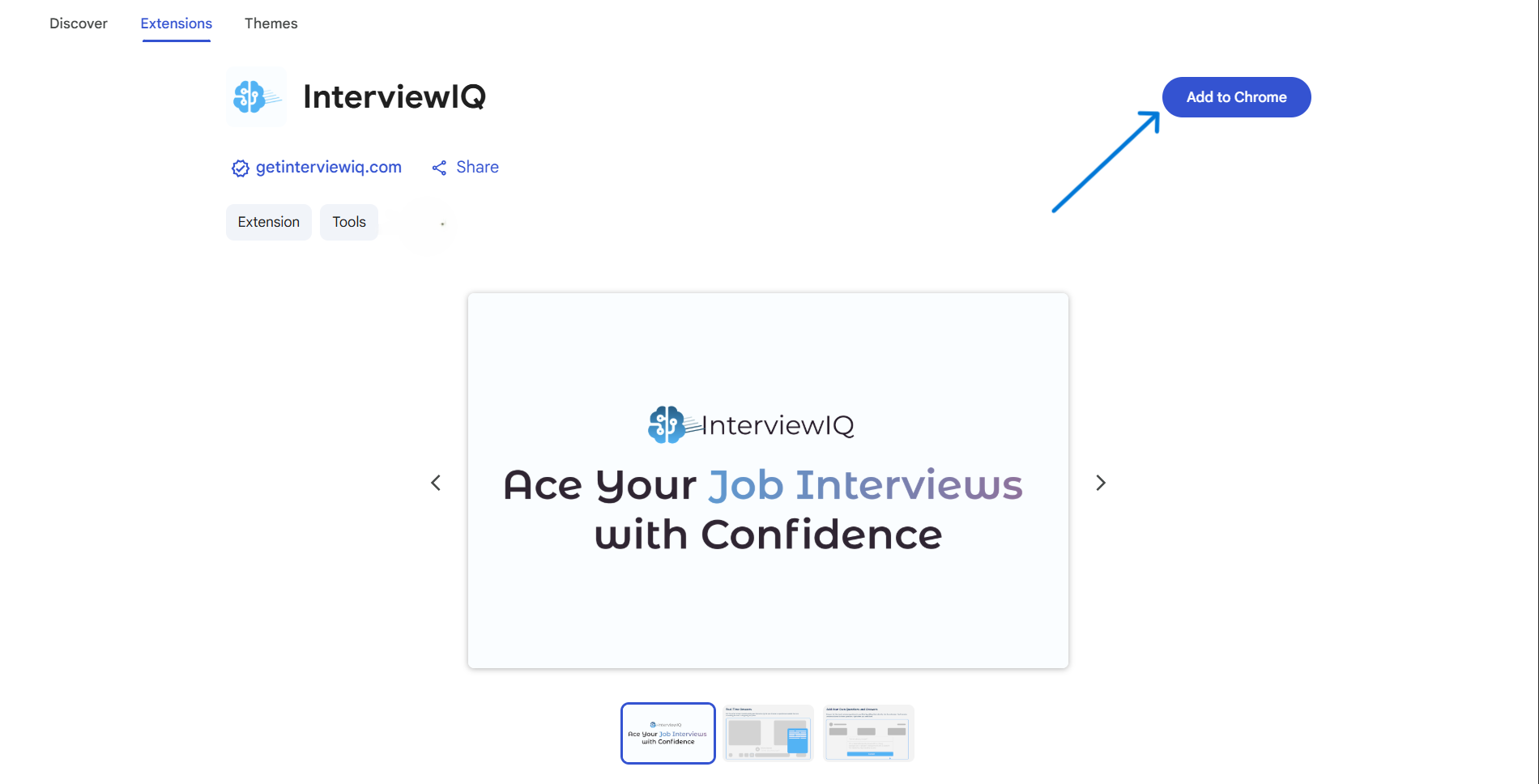
- Install the Extension from the chrome web store
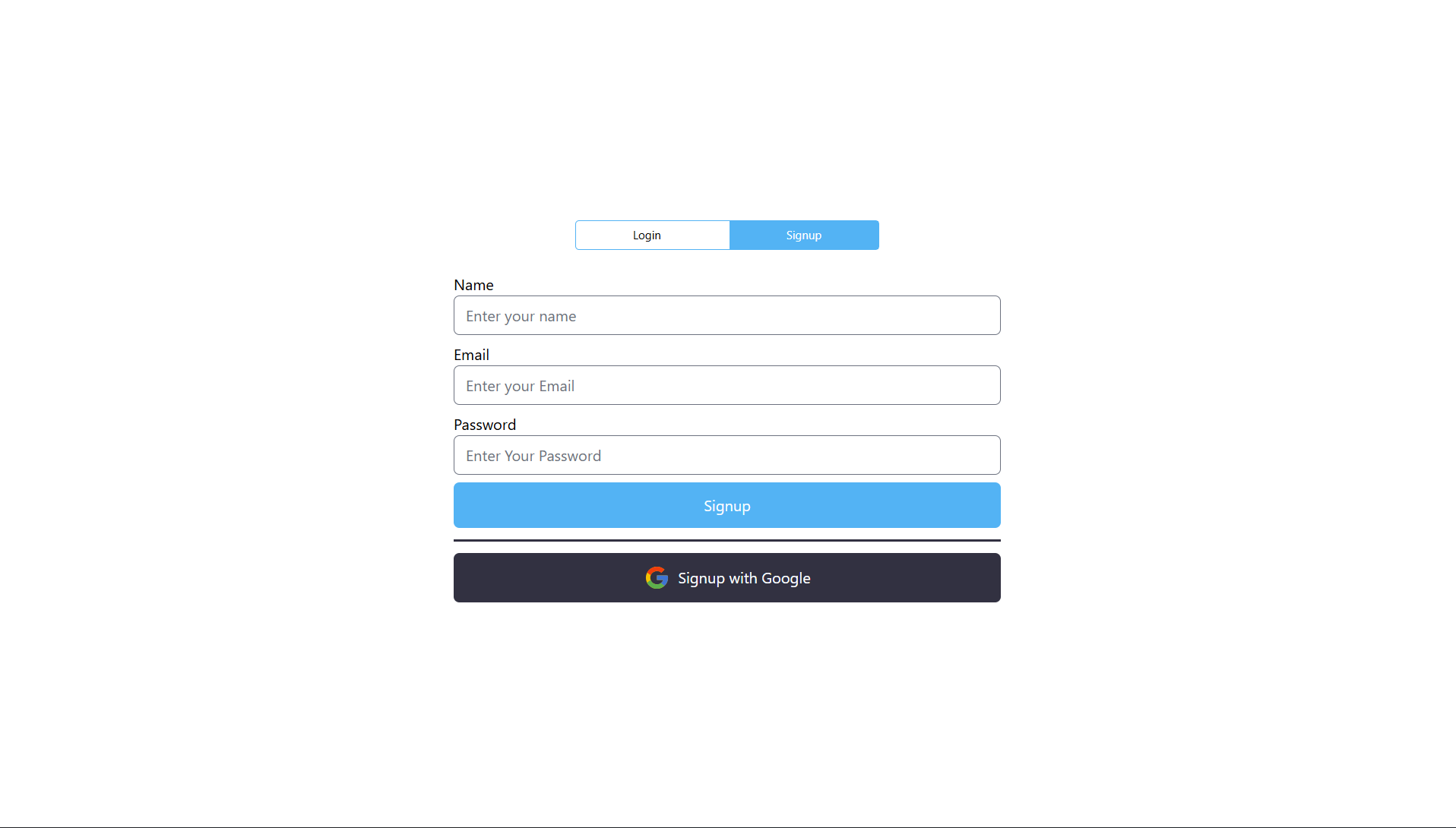
- Create an account
- Cross Check if the extension is installed
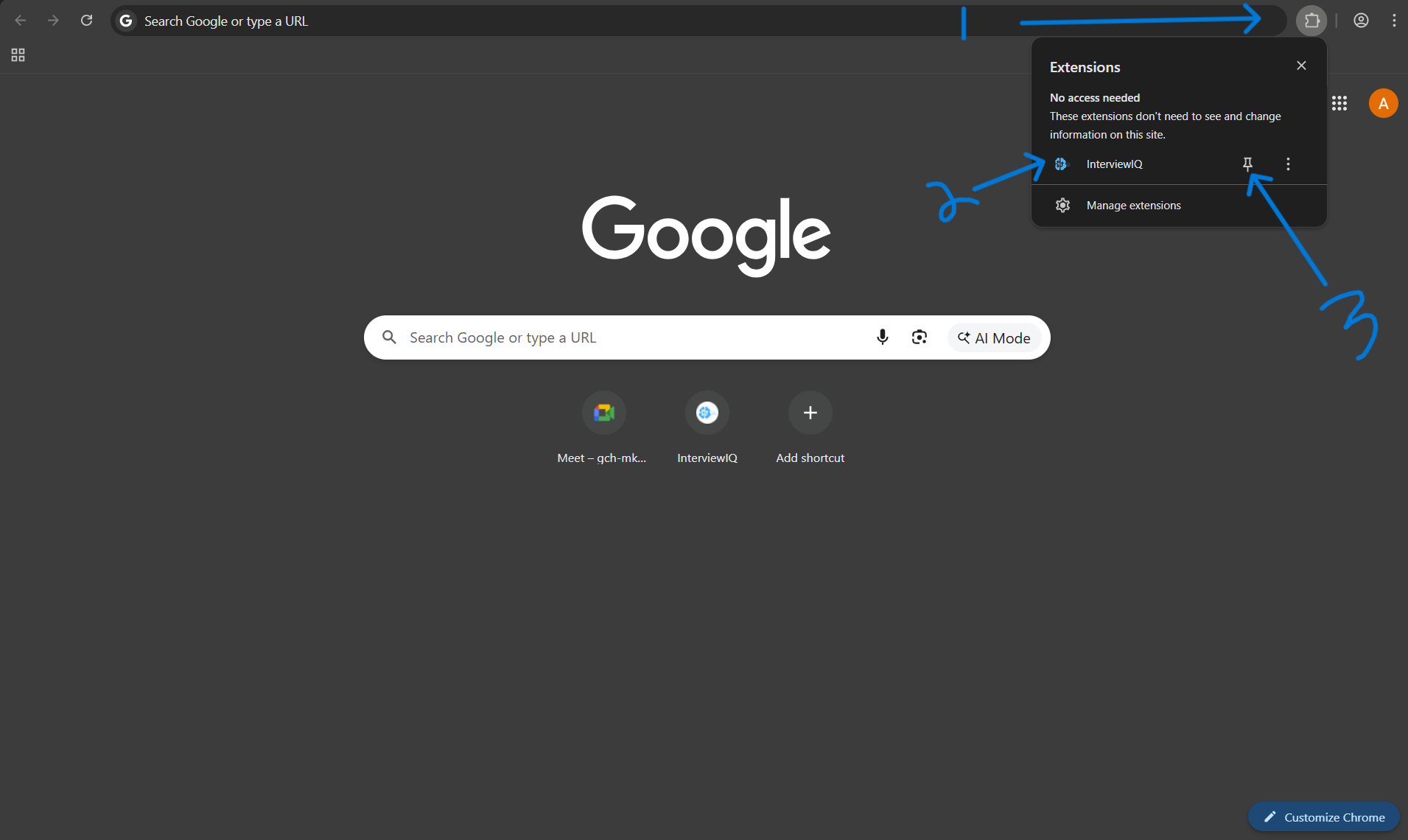
- Step 1 - click on the extension icon
- Step 2 - Look for InterviewIQ in the list
- Step 3 - Pin the extension for easy access during your interviews
- Open Extension Popup
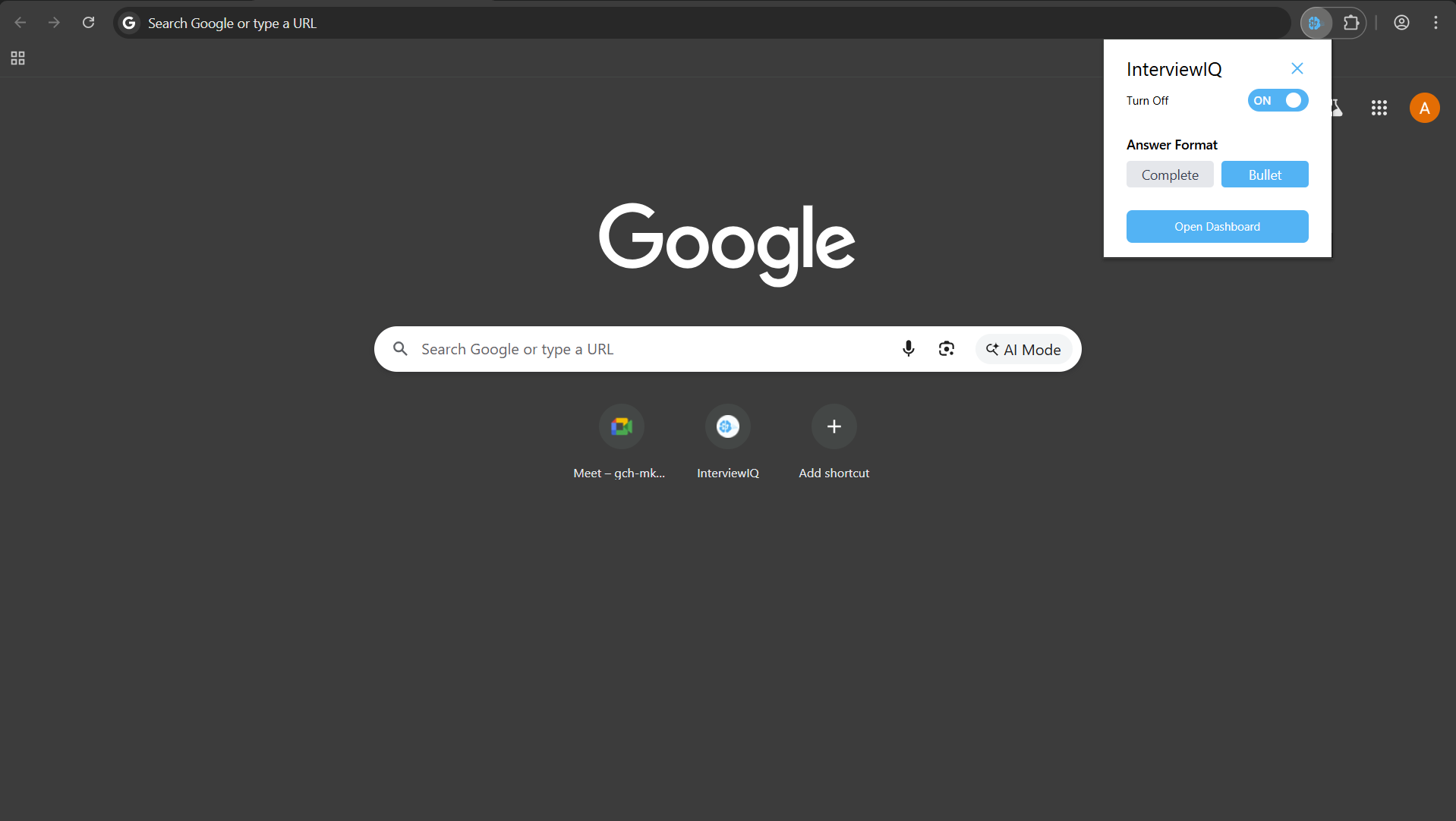
- Step 1 - Click on the InterviewIQ icon to open the popup
- Step 2 - Open the Dashboard to purchase your first meeting credit
- You'll be presented with a first meeting discount which is location based This gives you one interview session with InterviewIQ - no time limits, credits never expire
- After purchasing your first meeting credit, you'll be redirected back to the dashboard
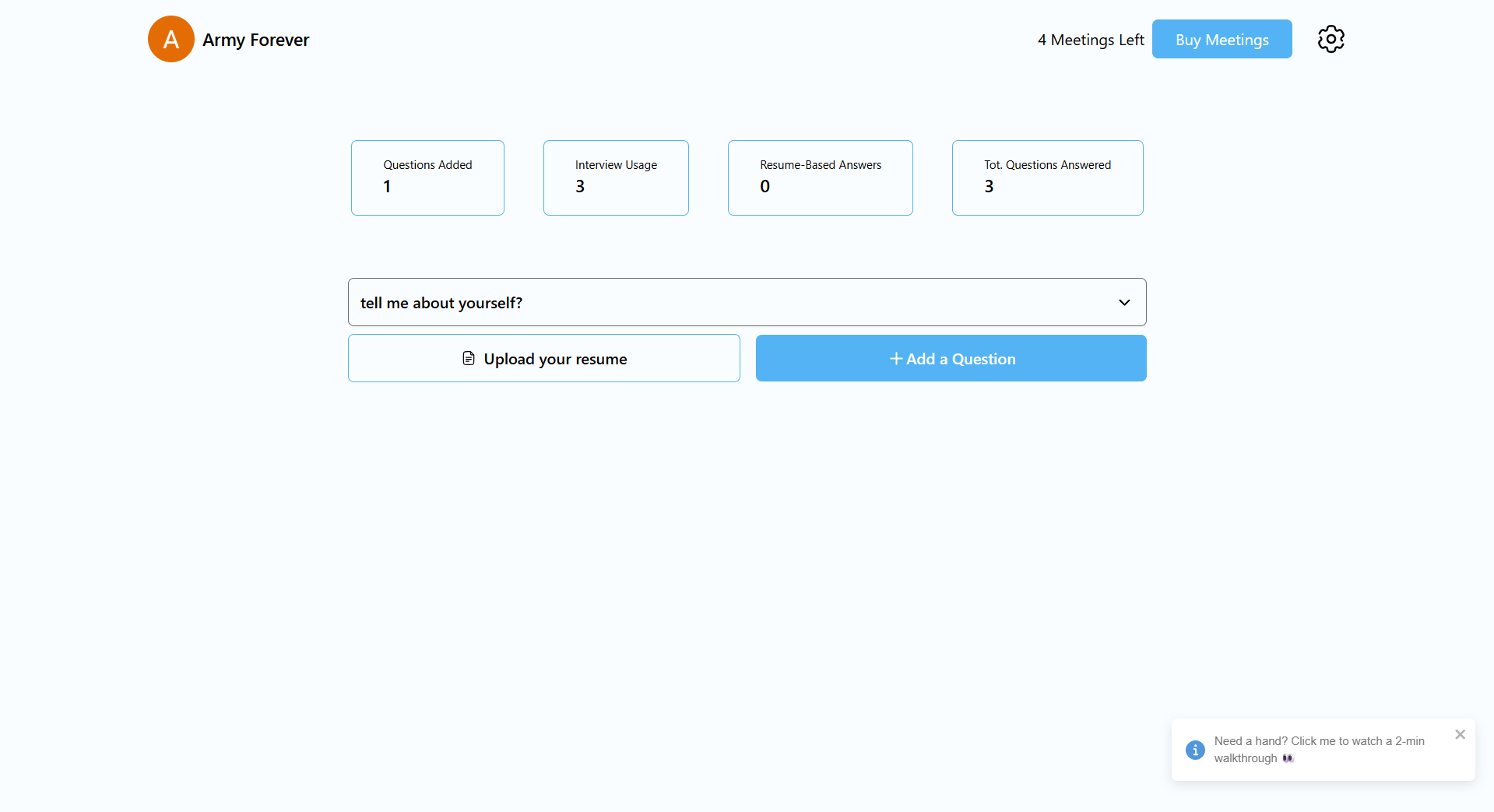
- You can now start using InterviewIQ!!🎊
Read more about how to prepare for your first interview with InterviewIQ