How To Prepare For Your First Interview With Interviewiq
- Open Extension Popup
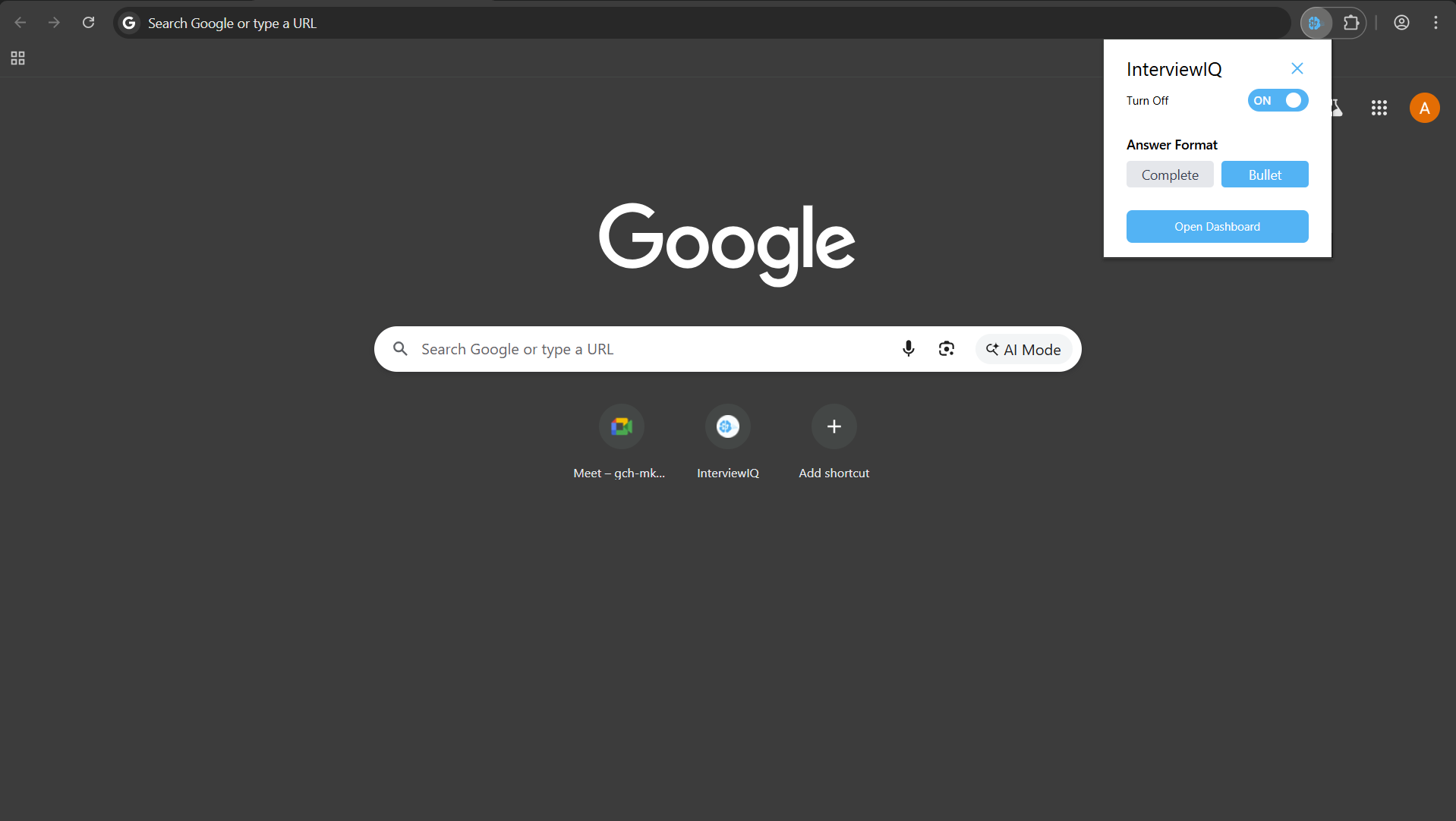
- Step 1 - Click on the InterviewIQ icon to open the popup
- Step 2 - Open the Dashboard
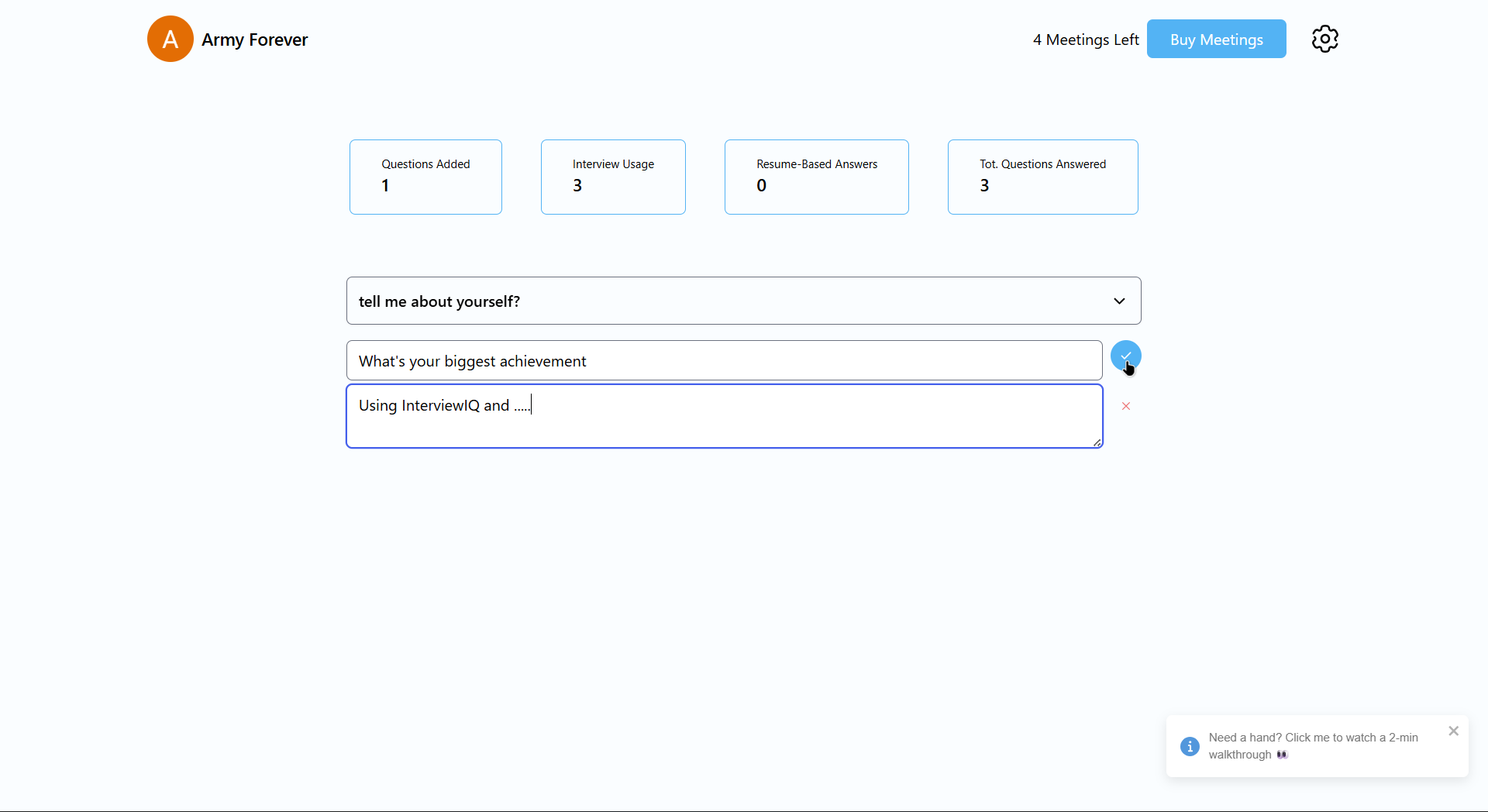
- Pick questions you want to prepare for or typically struggle to remember, and then add in those questions and their responses.
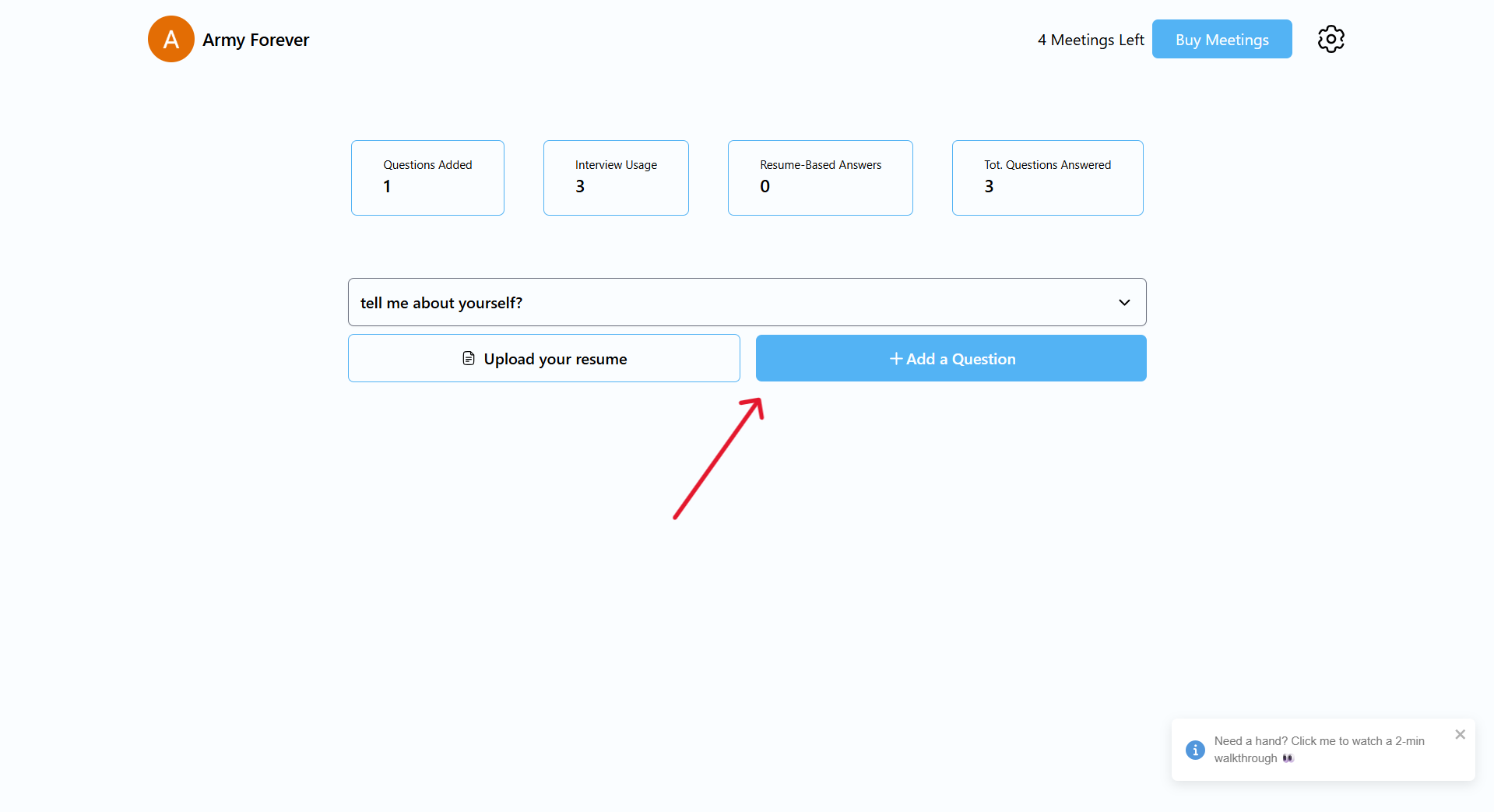 You can add as many questions as you want and delete or edit them as you wish
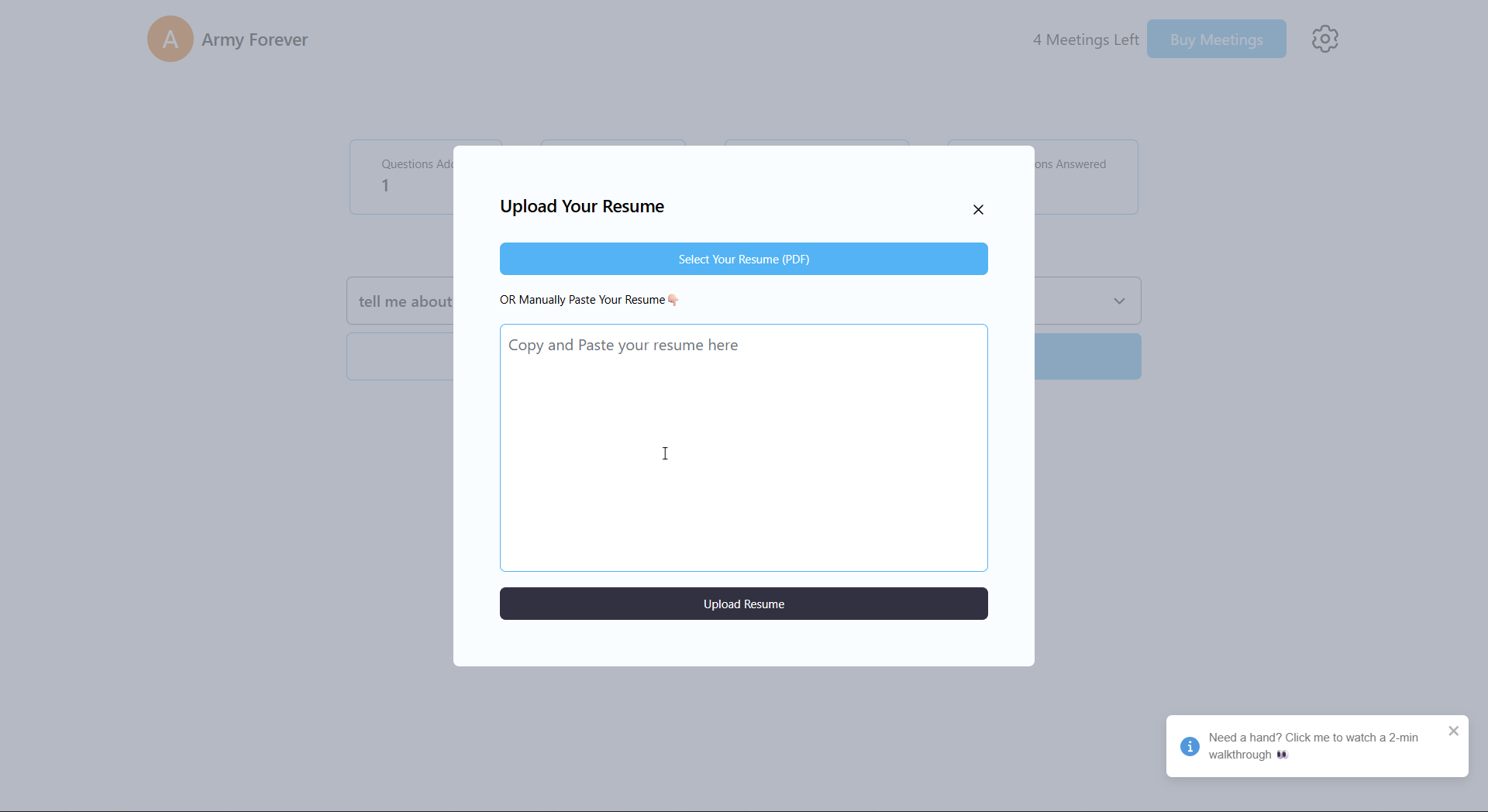
- Add Your resume to InterviewIQ
You're all set to go!!🎊
Read more about how to use InterviewIQ with teams